"RTHK On The Go" key features:
- Brand New RTHK On The Go: One App for All RTHK Radio & TV programmes.
- Live broadcast, Catchup, Weather and Traffic. All in One App.
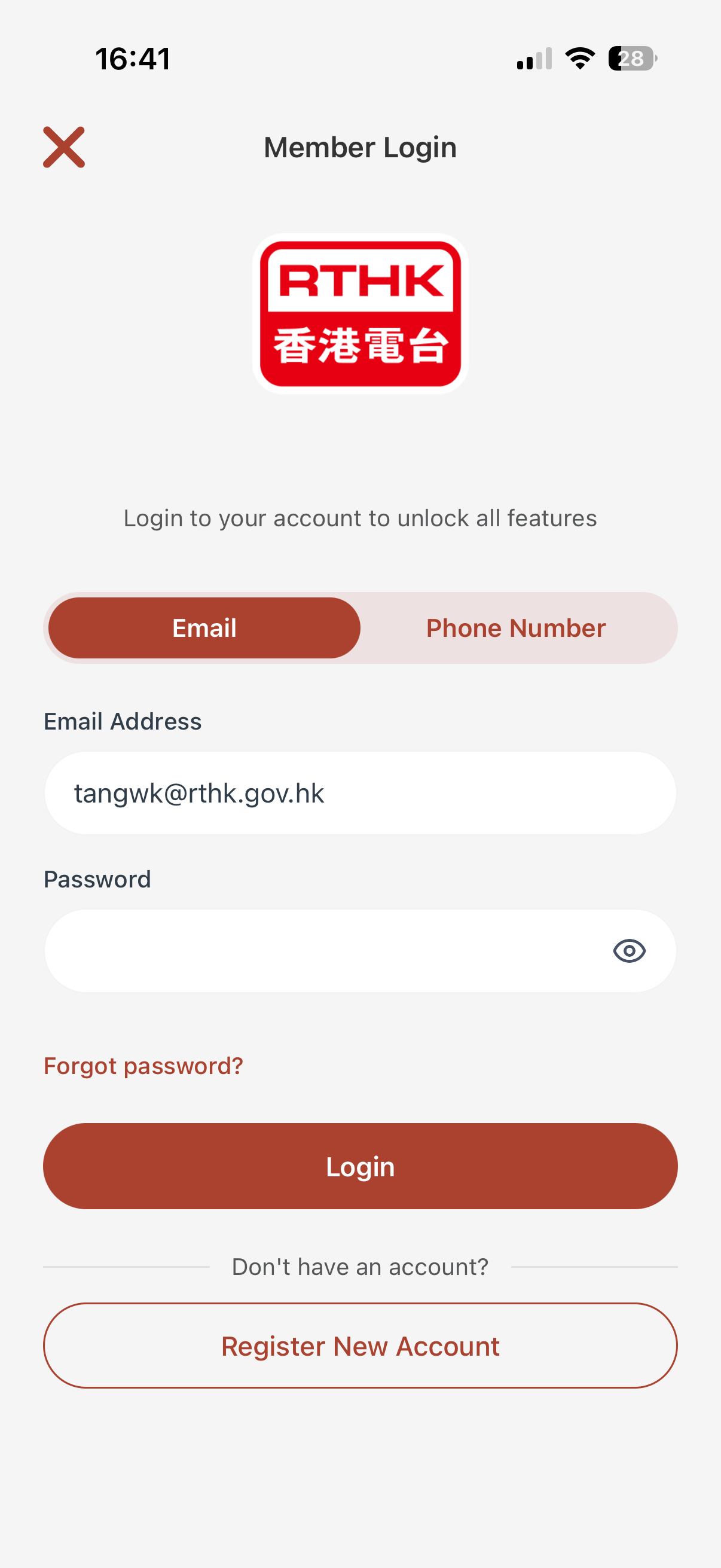
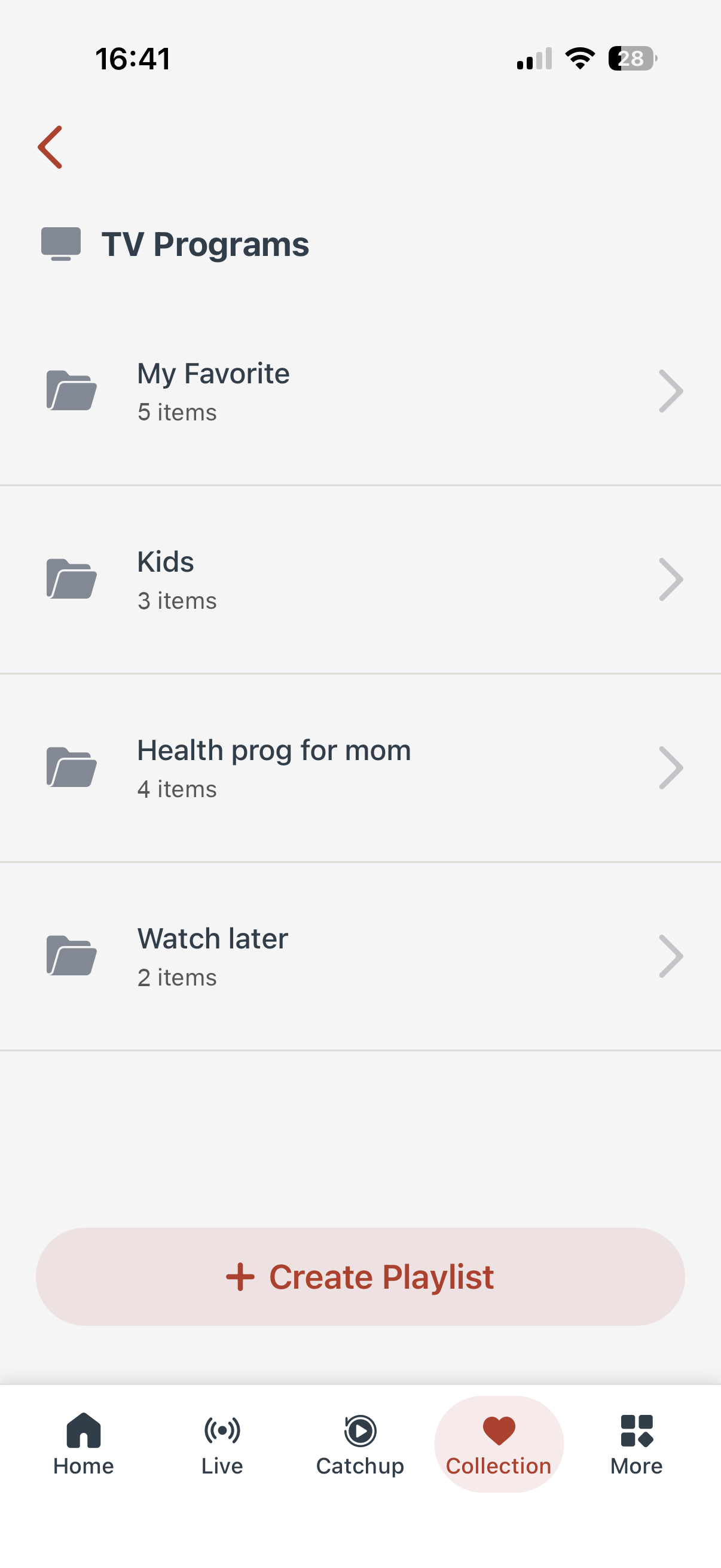
- Sign up to enjoy programme catch up, personalised playlist, subscription and more.
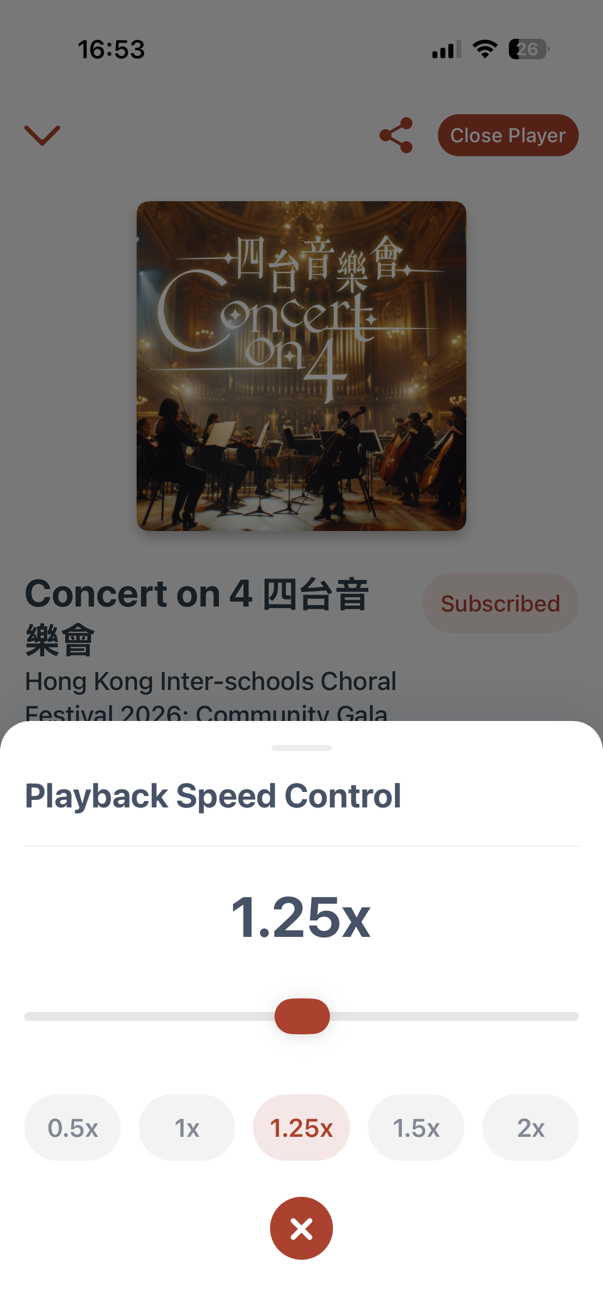
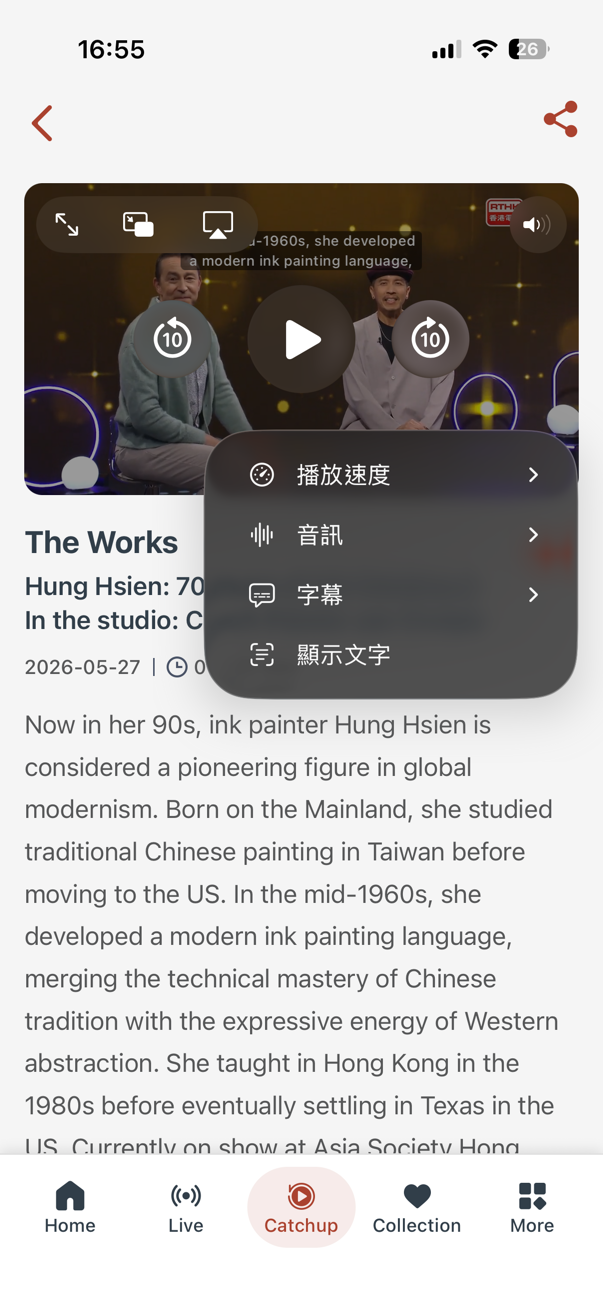
- Enhanced Catchup Experience: Playback anytime with Resume Memory, Speed Control and more.
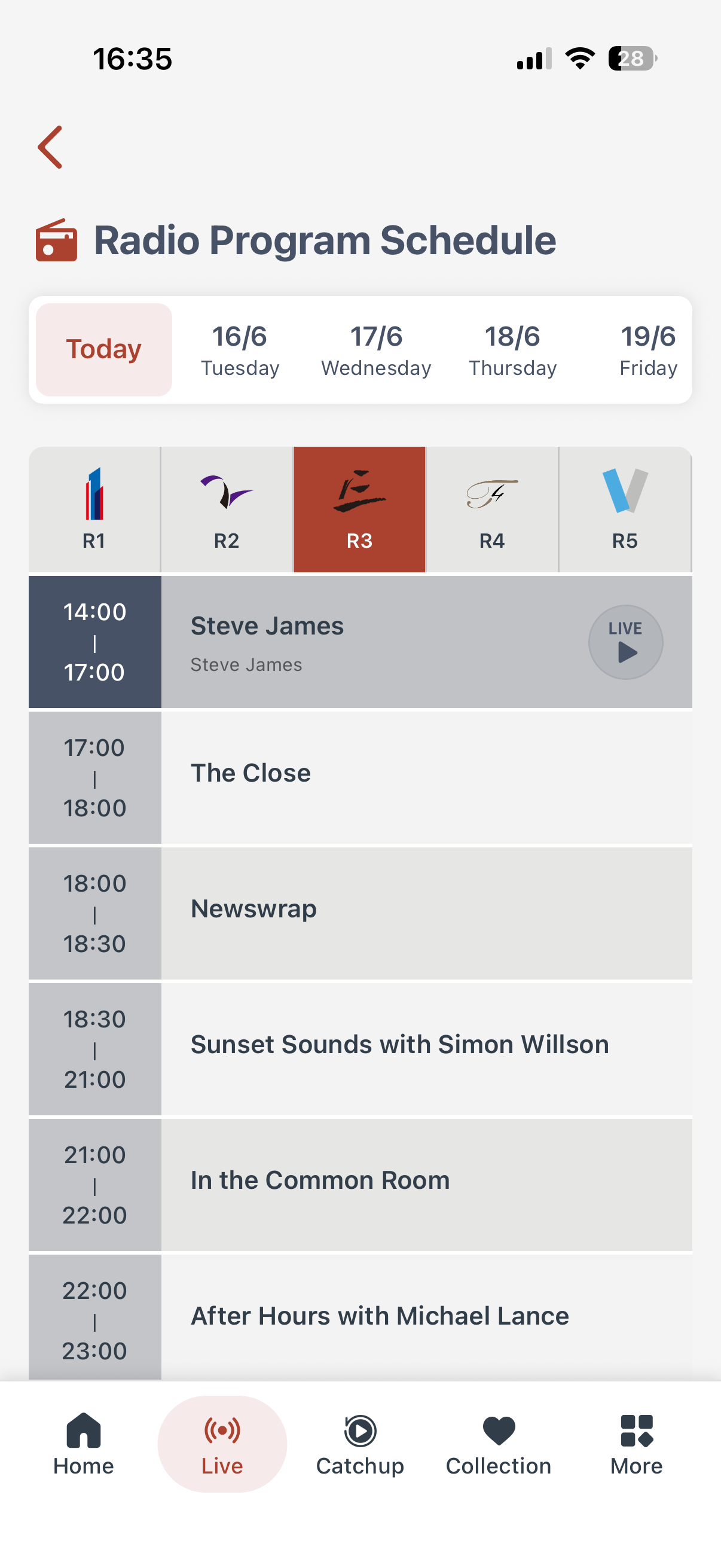
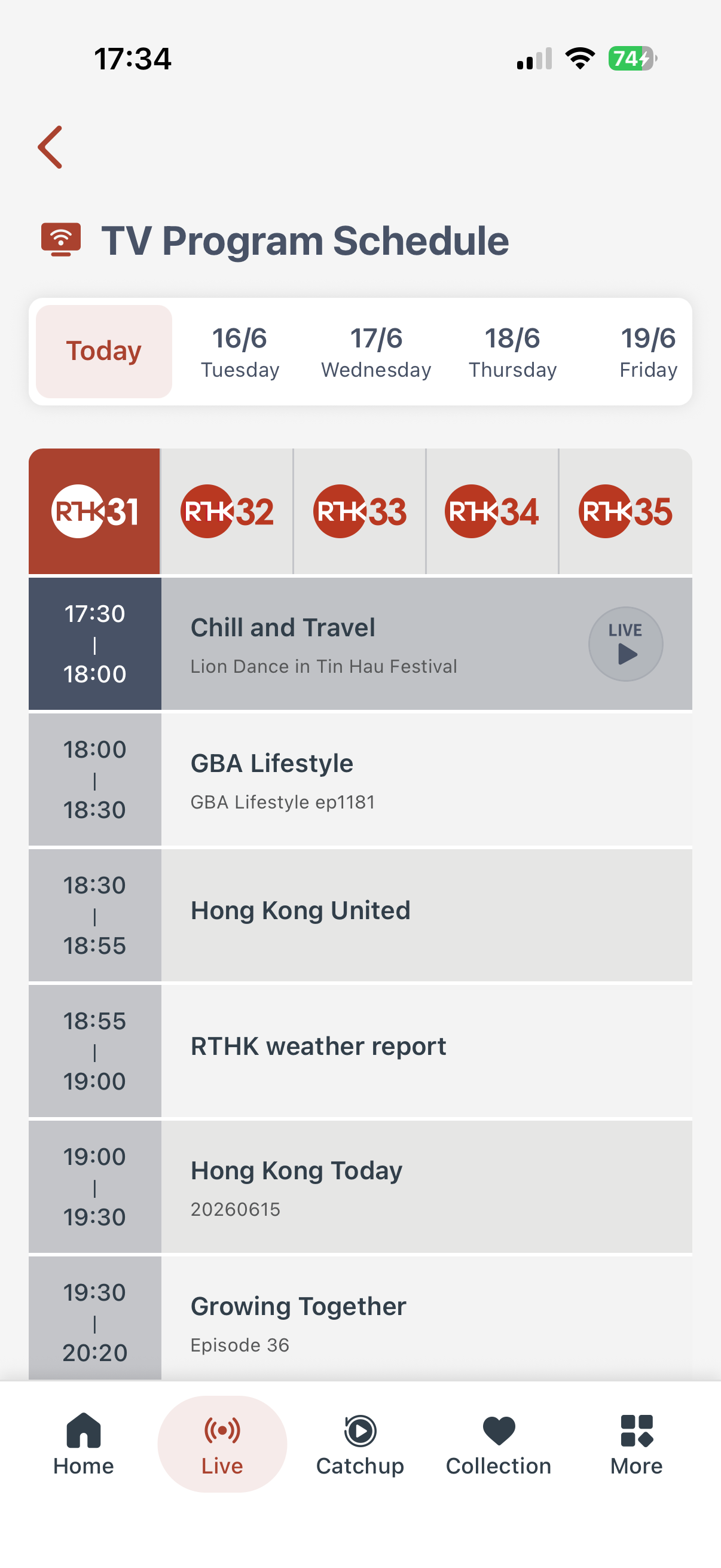
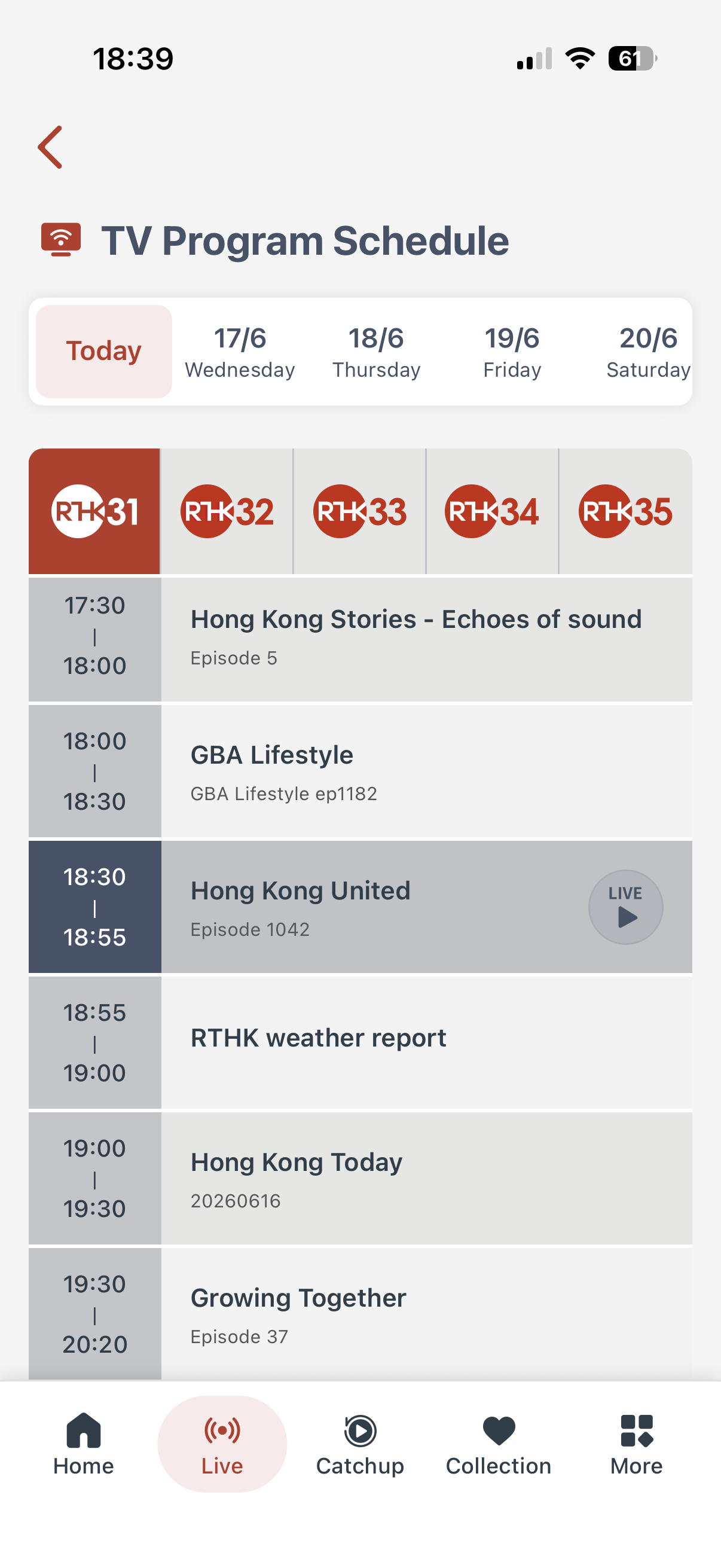
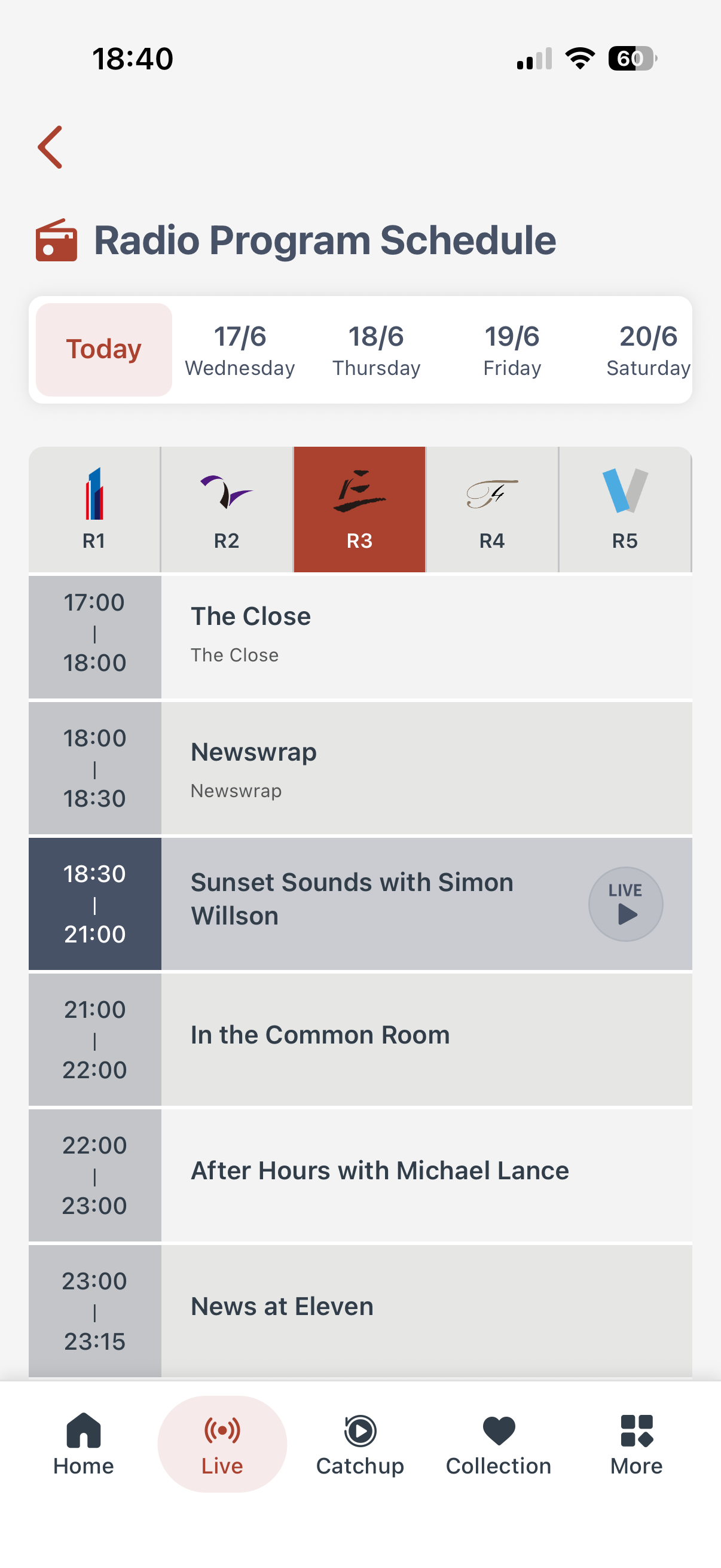
- Effortless Live Listening and Viewing. Check out our clearer channel schedules.
Copyright:
Radio Television Hong Kong owns the copyright of all the above contents. Such contents are available solely for private or domestic viewing or listening by members of the public. Use of such contents for any other purposes is strictly prohibited.
Programmes broadcast within the past 12 months will be available in the online archive, subject to copyright restrictions. RTHK retains sole discretion over final decision regarding availability.
Accessibility Statement:
We have incorporated appropriate accessibility features in this app. If you encounter difficulties in using this app, please contact us via email: webmaster@rthk.gov.hk
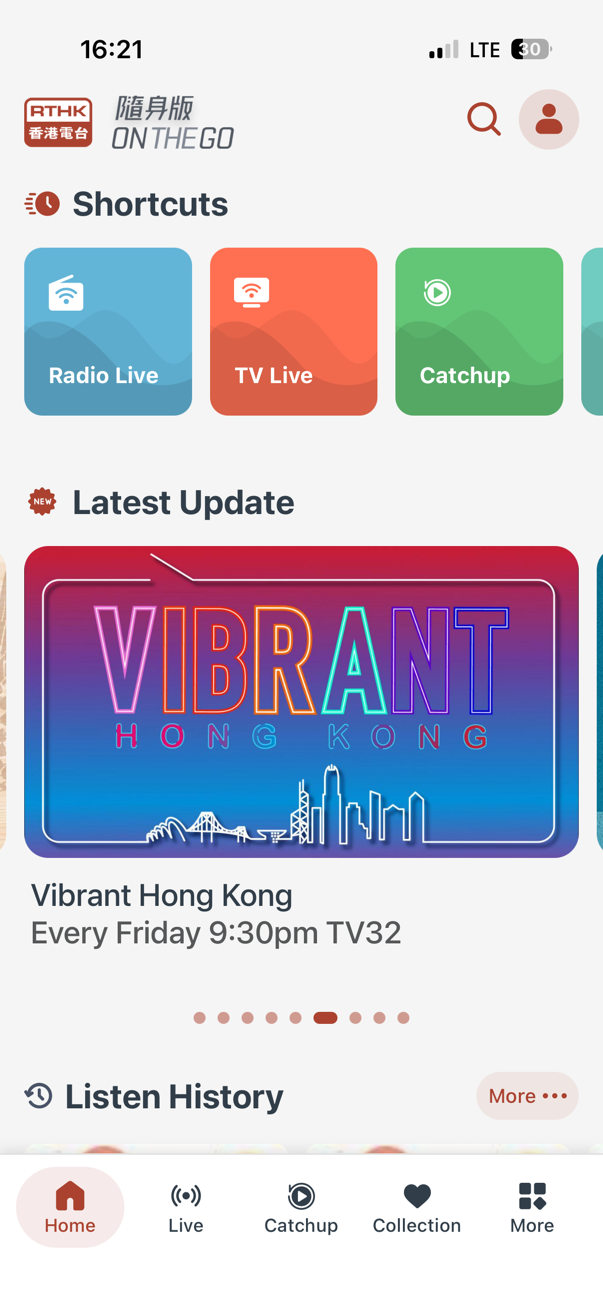
Brand New Interface – Quick Access
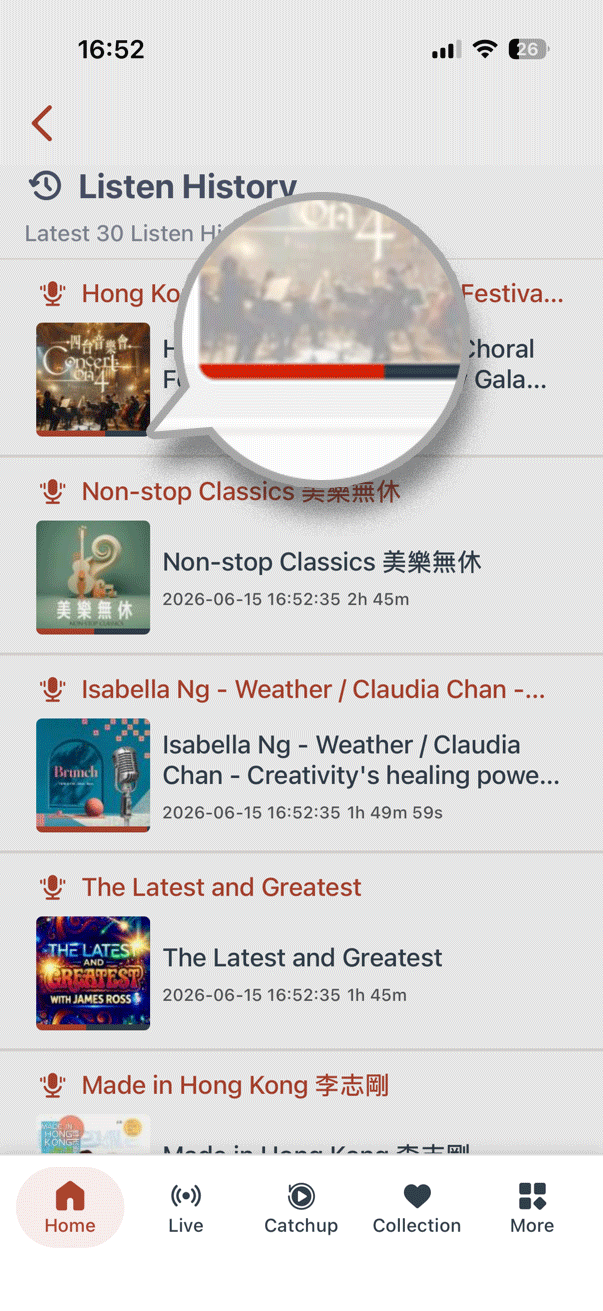
A clean, simple new design with easy-to-use buttons. Discover recommended programmes at a glance, and keep track of your listening and viewing history.
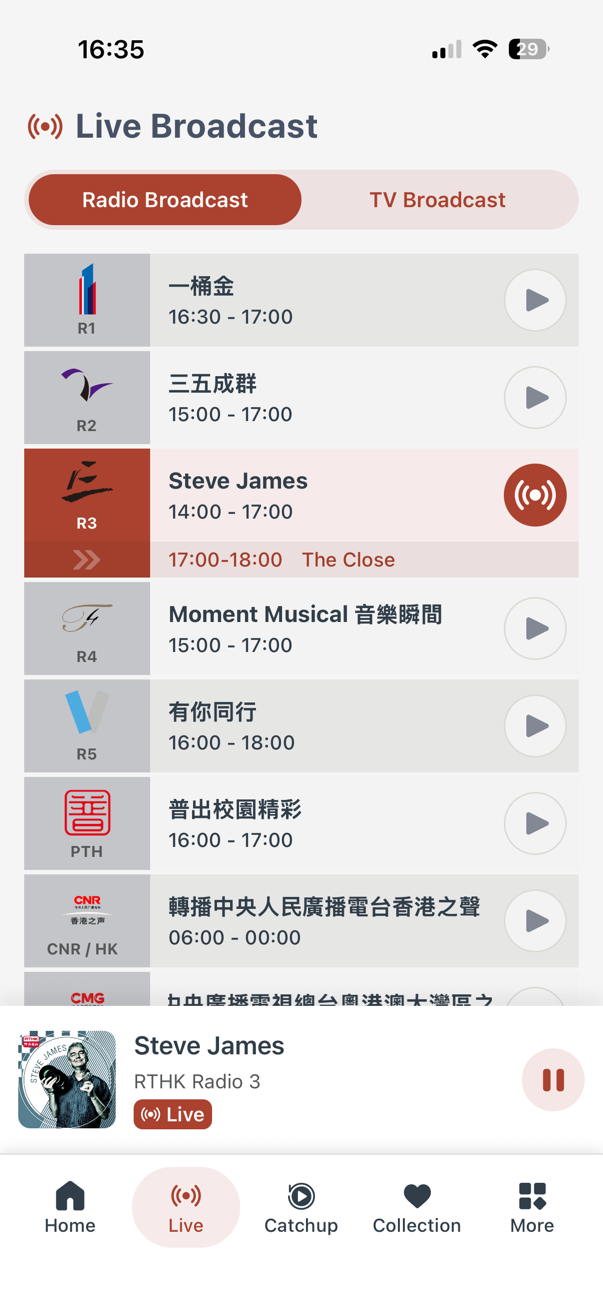
Live Radio
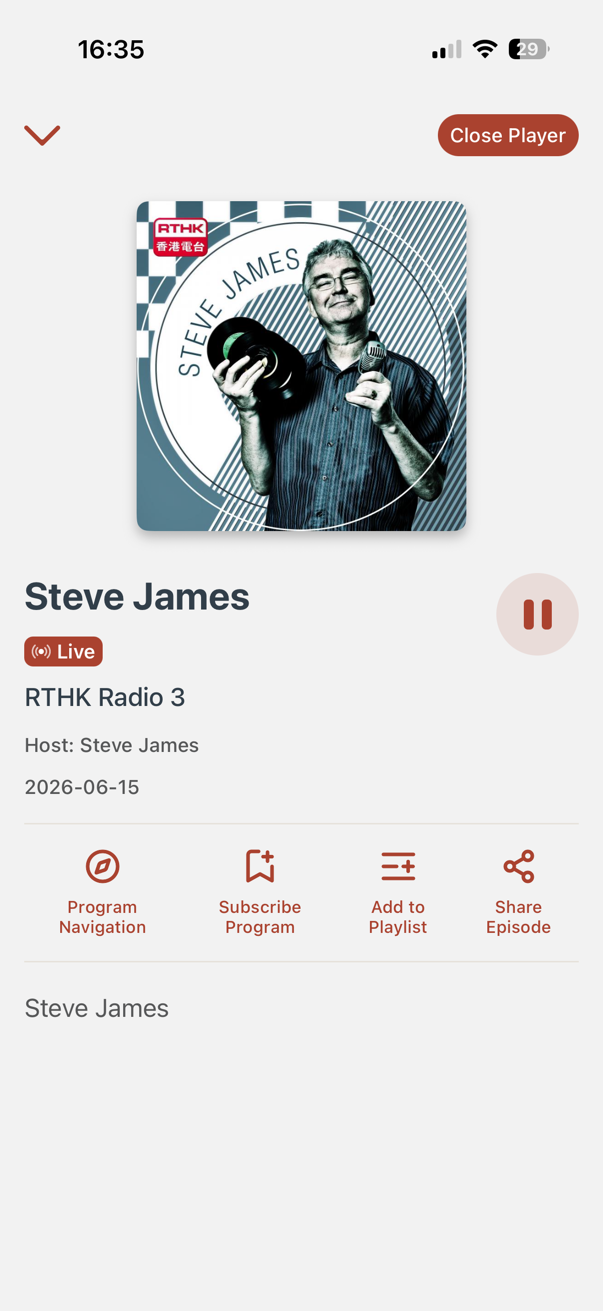
Stream live broadcasts from 8 RTHK radio channels – stay tuned to real-time radio programmes.
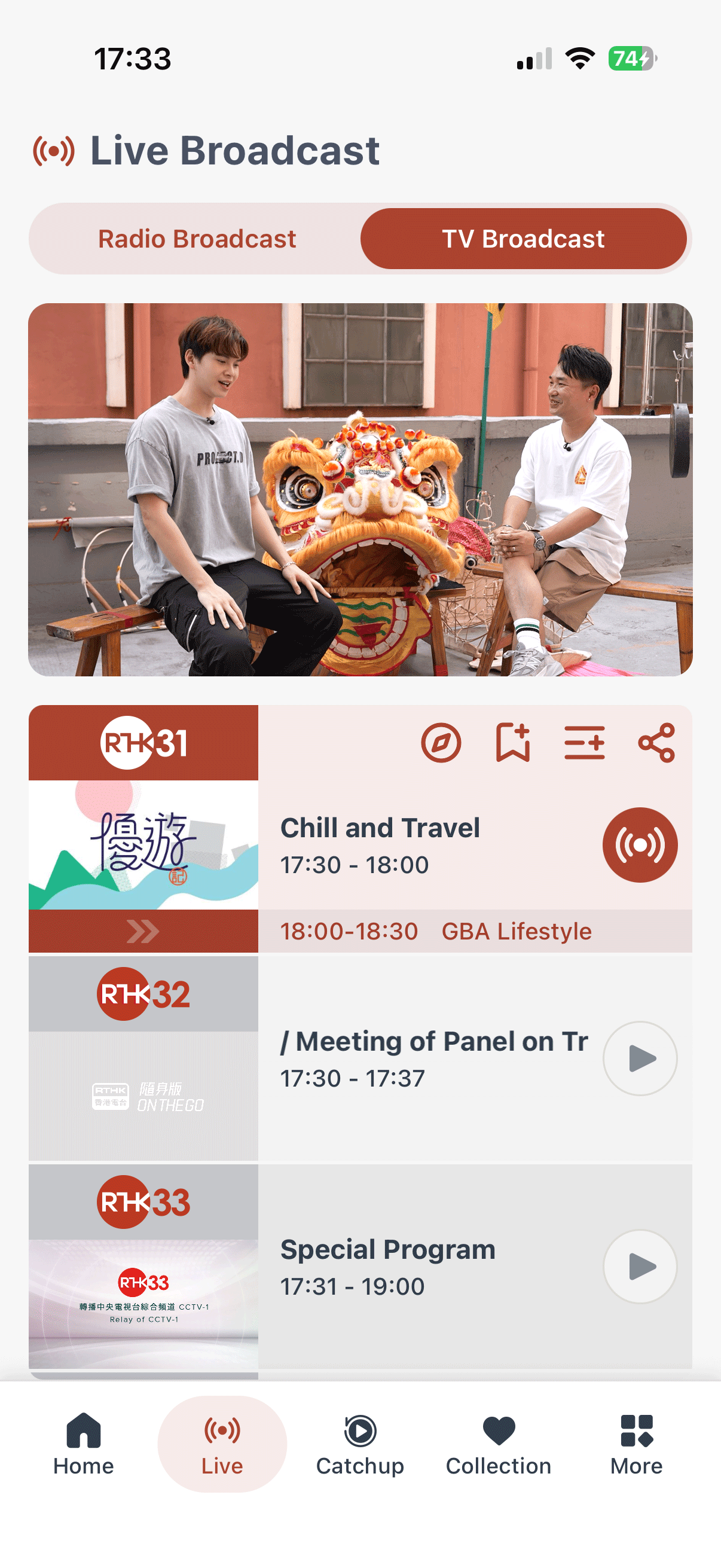
Live TV
Watch live broadcasts from 5 TV channels – enjoy exciting live TV programmes on the go.
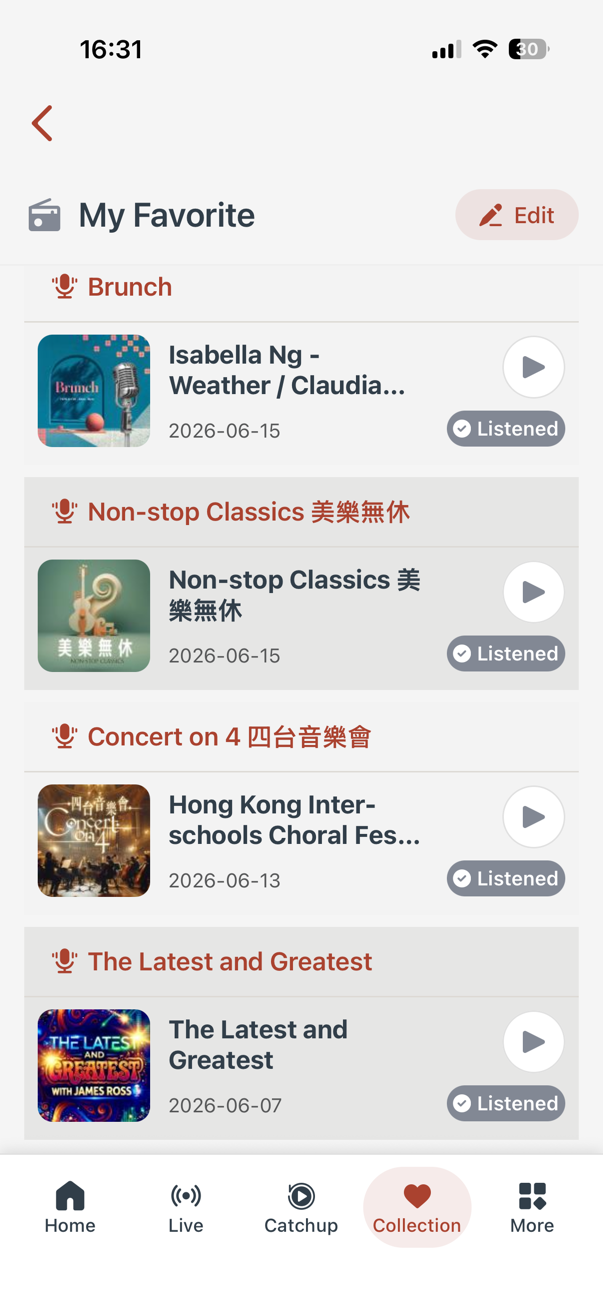
Free Membership – Personalised Experience
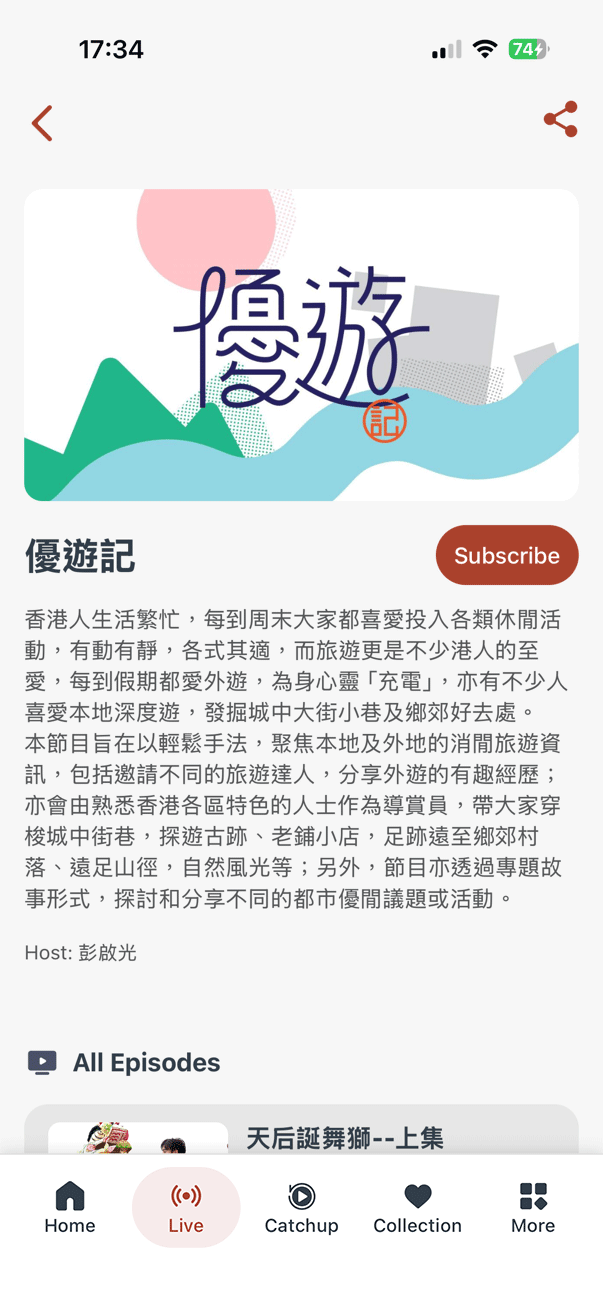
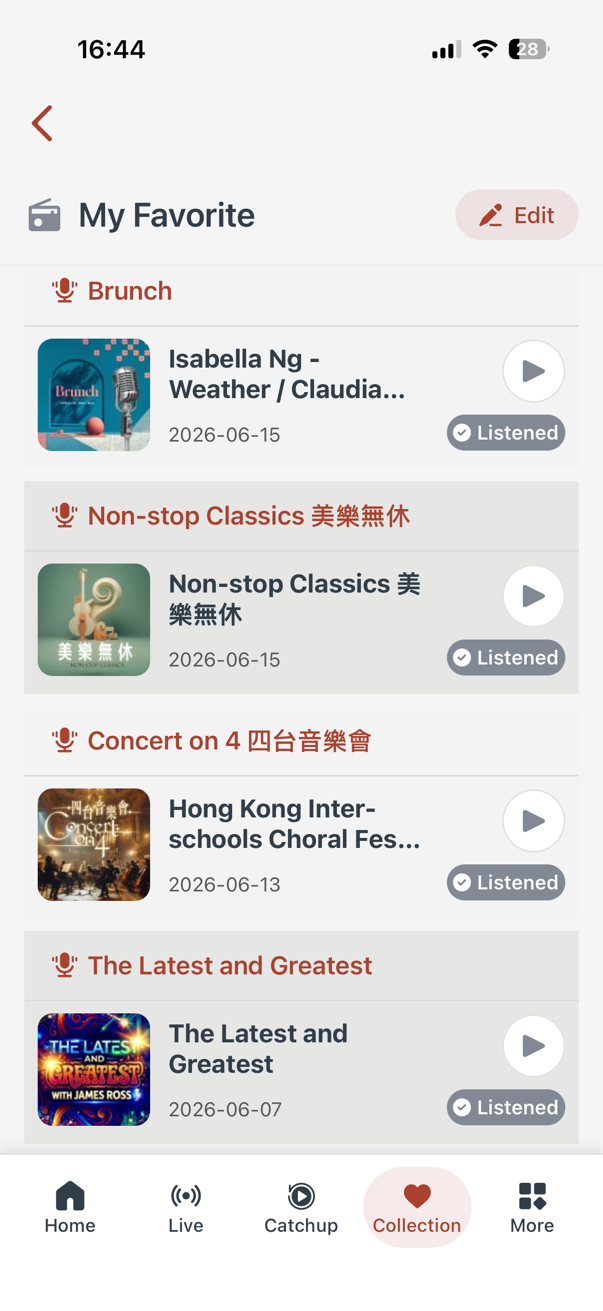
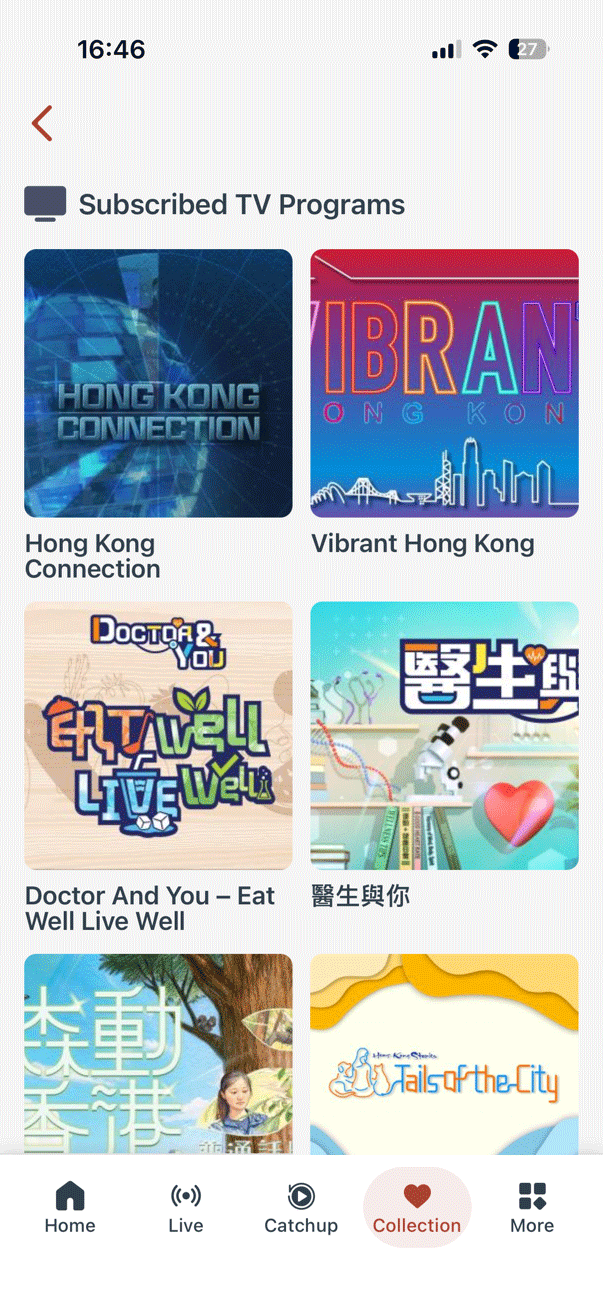
Sign up for free. Catchup radio and TV programmes broadcast within the past 12 months (subject to copyright restrictions), create custom playlists, and subscribe to your favourite programmes.
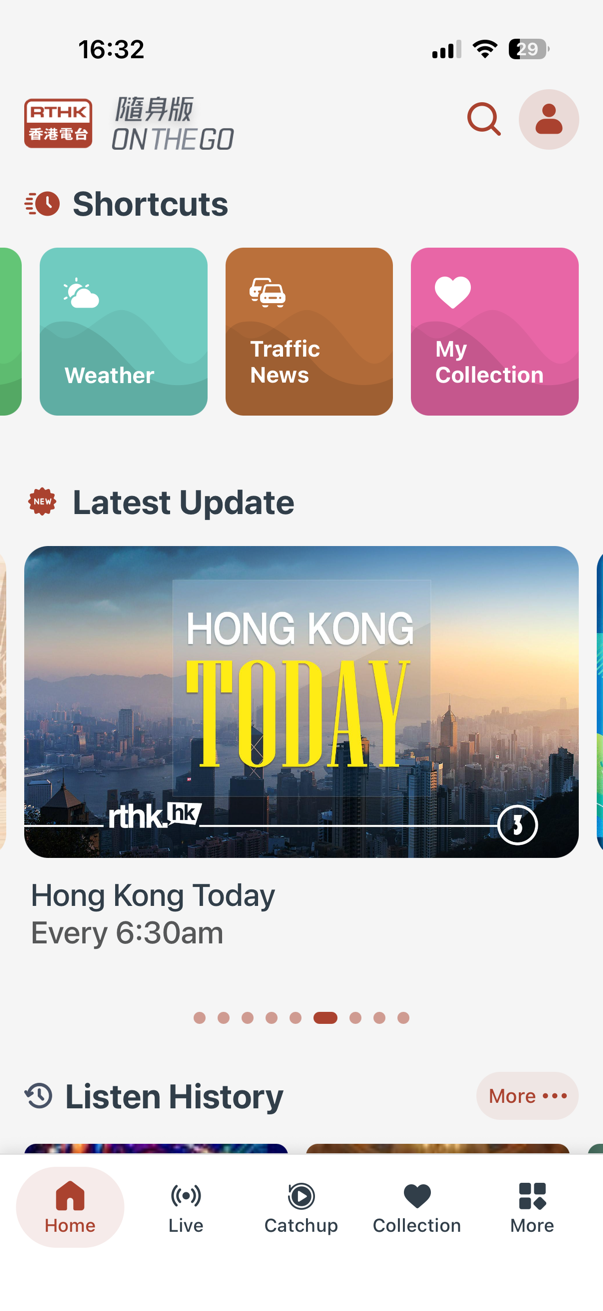
Weather & Traffic Info
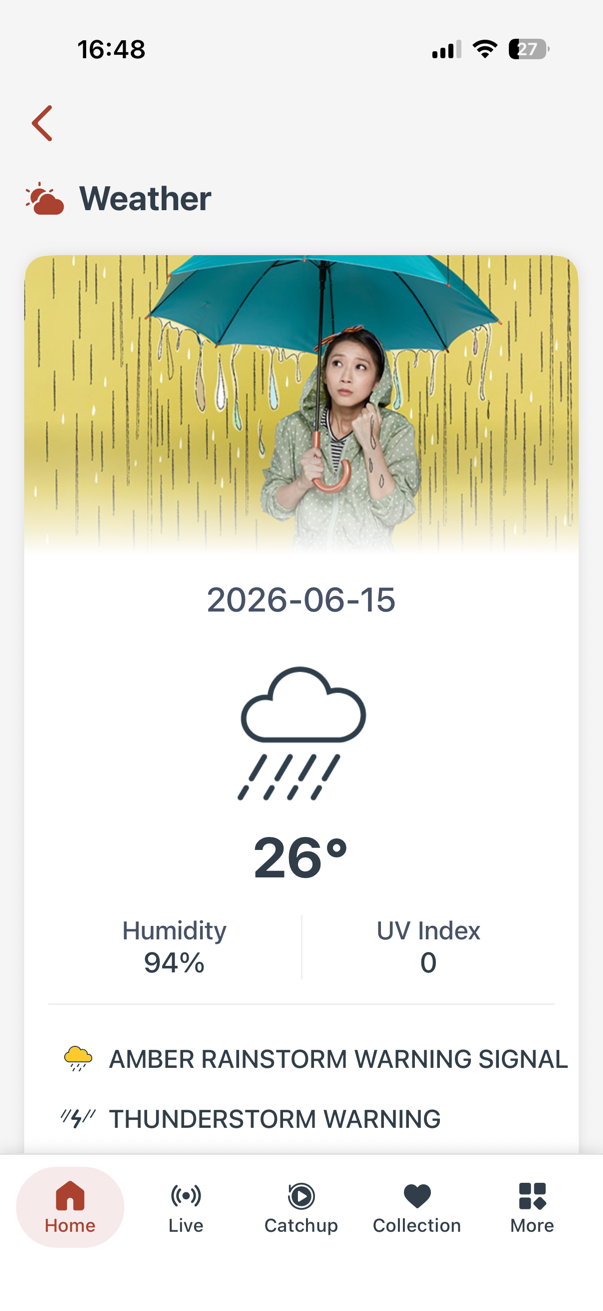
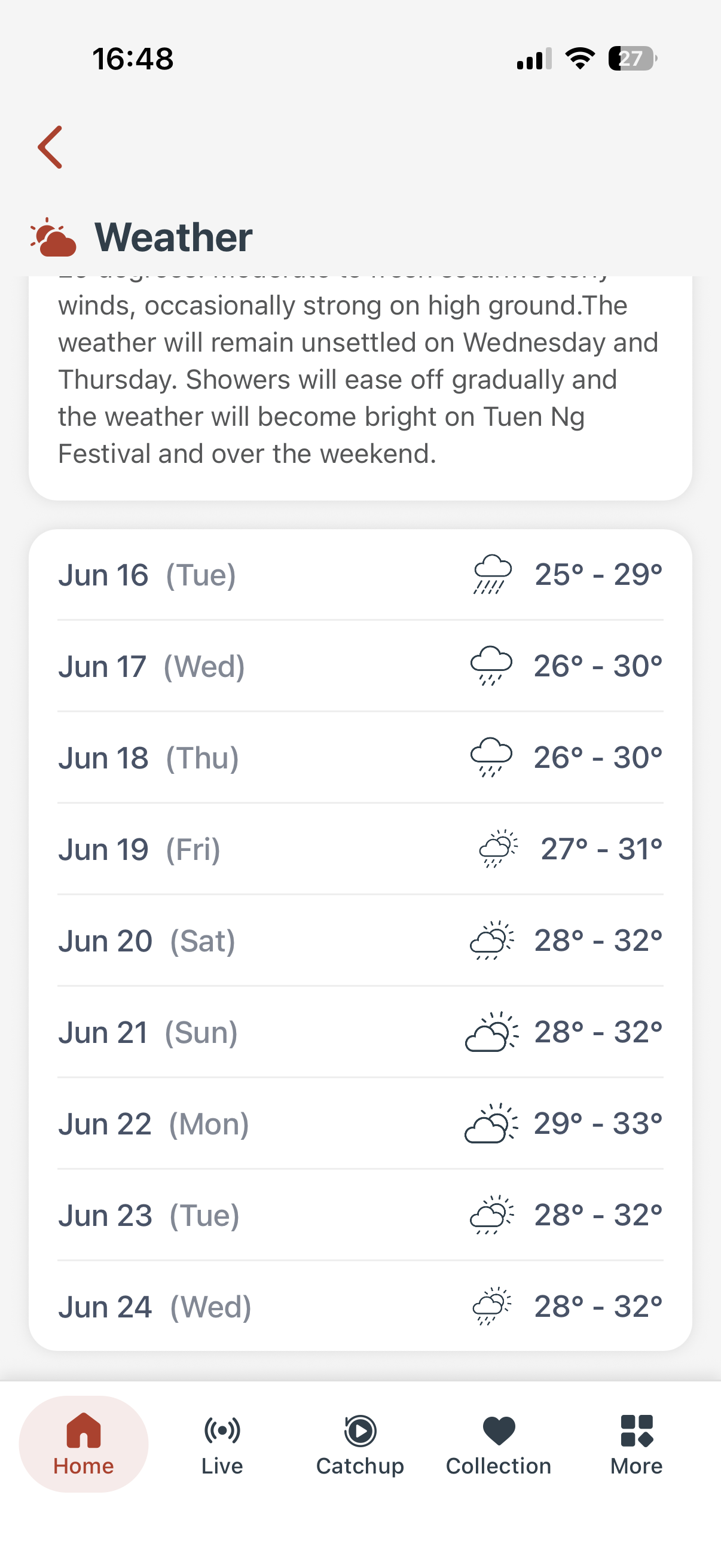
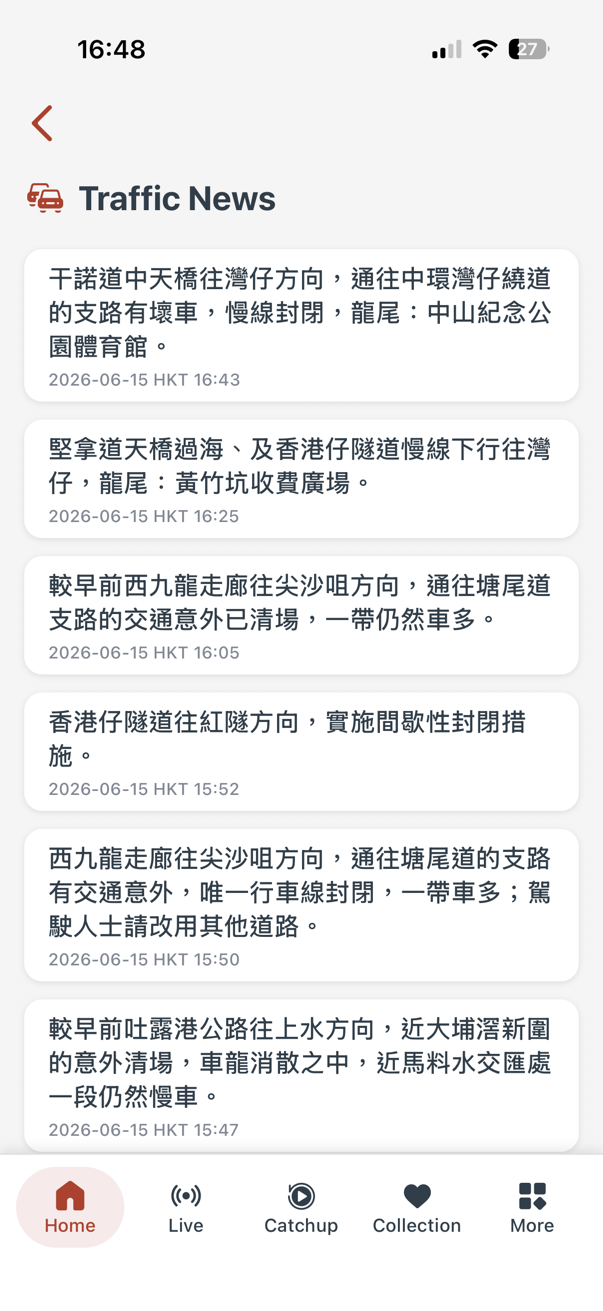
Get real time weather updates, a 9 day forecast, and key traffic news – all at your fingertips.
Enhanced Playback Experience
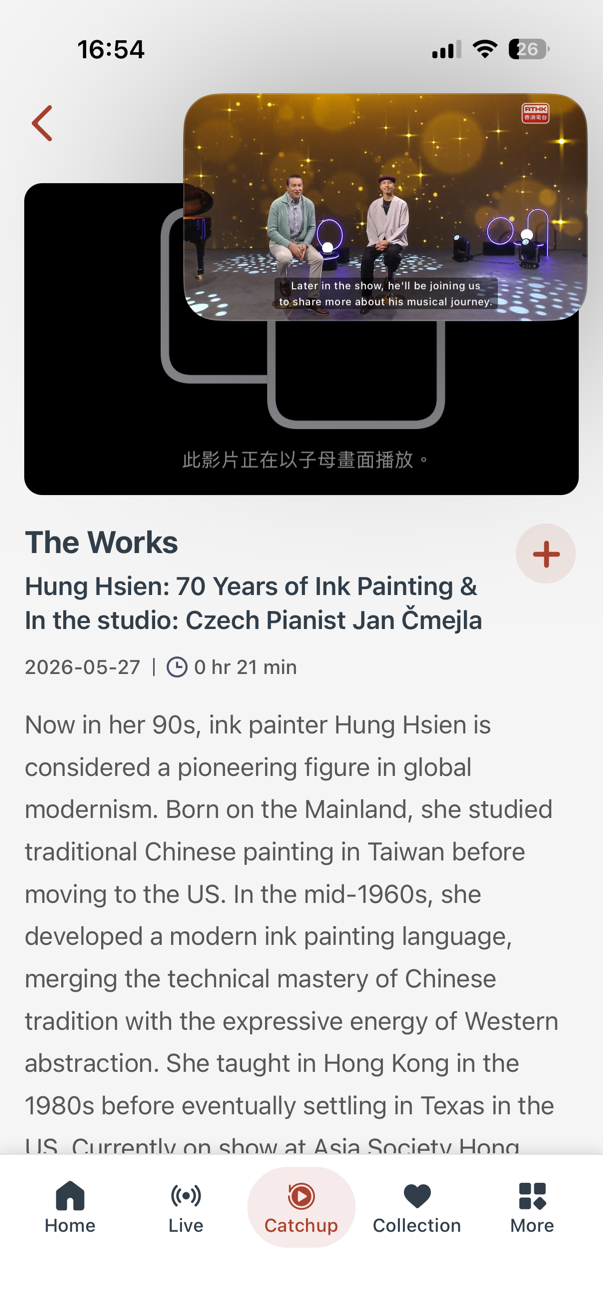
New features include playback resume, playback speed control, continuous playback, playback history, and floating window playback. Easier catchup with audio tracks selection and subtitle option – a complete experience.
User Friendly Features
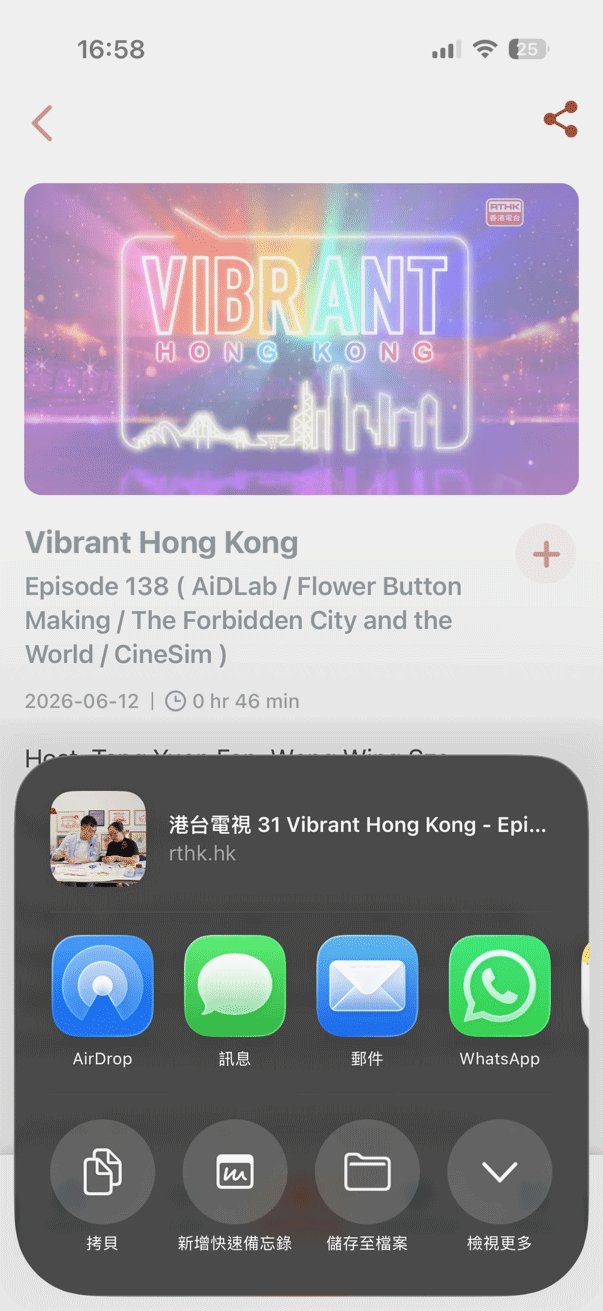
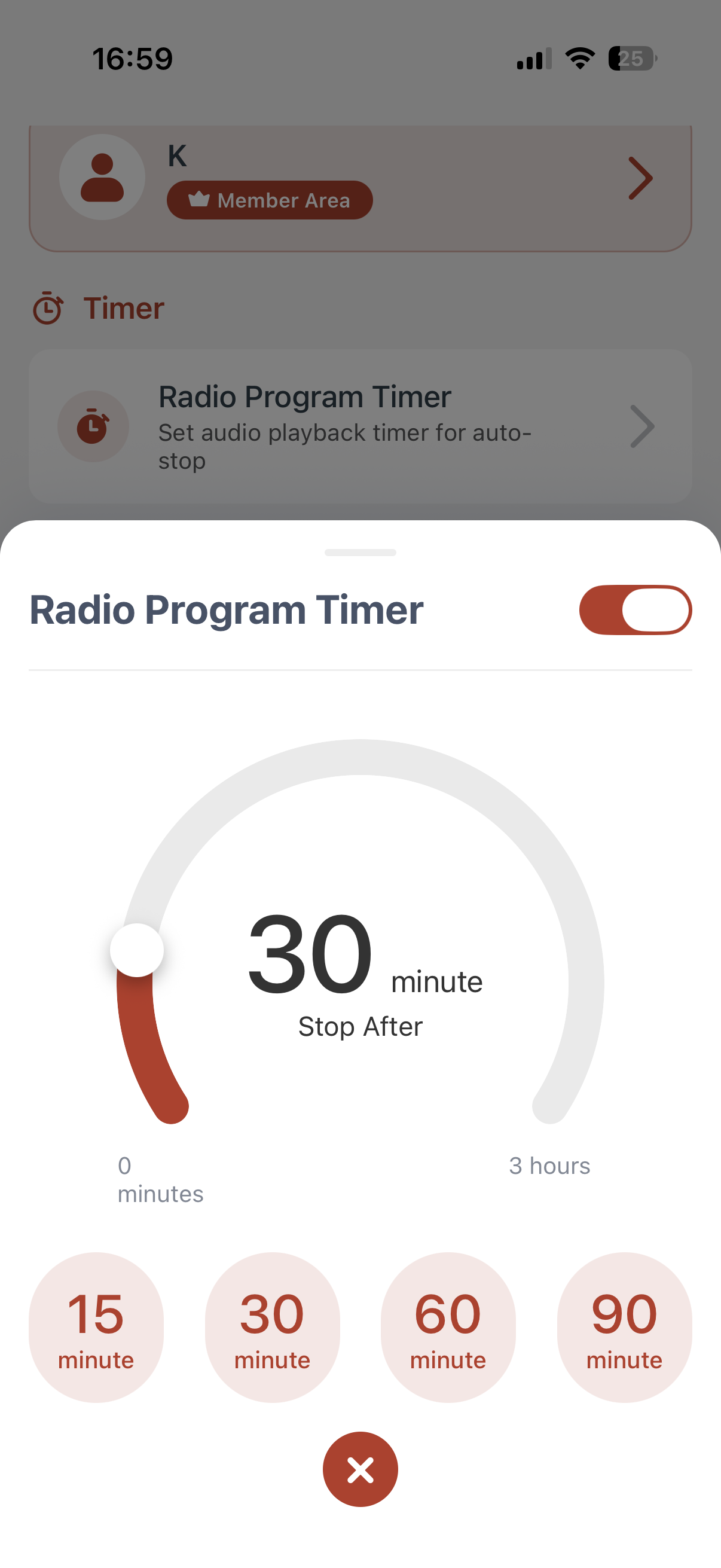
View full schedules of all channels, share favourite programmes for extra fun, plus a built in radio programme timer to set your preferred end time for playback.